CSV comparisons & updates
Compare a file in Free; save mappings and approve updates with Pro.
On this page
Compare first · Free
- Open Move data → Compare a CSV → Check a CSV. Choose a native post field group and upload your UTF-8 file.
- Continue to column matching, map the supported columns and select Compare every row.
- Review the outcomes. Comparing never changes content; you can make fixes manually or continue with a separate Pro workflow.
Save and apply a CSV workflow · Pro
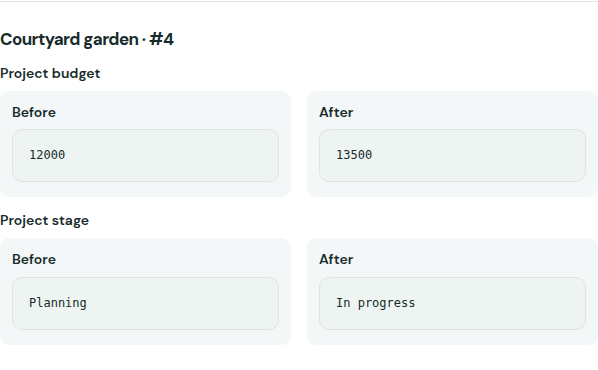
Choose an existing post field group, upload a UTF-8 CSV and map its columns, using a column of existing post IDs or an explicitly chosen unique supported native business-key field. Duplicate, ambiguous and unmatched keys require resolution; suggested mappings explain exact name/label matches. Save the mapping for 1–10 supported fields. Columns follow their exact names, so they can move; unrelated columns can be added and unused columns omitted. Missing or renamed required columns and duplicate headers stop staging. Prepare the before/after review. Review the full file: search and pagination only change which rows you see. Cleared values need a separate acknowledgement. Approve the exact changes before background application; undo stops on later edits. Stage a replacement CSV through the page or the private local CLI command. Hourly/daily schedules prepare new staged input for review; they do not fetch remote spreadsheets or automatically approve new values.