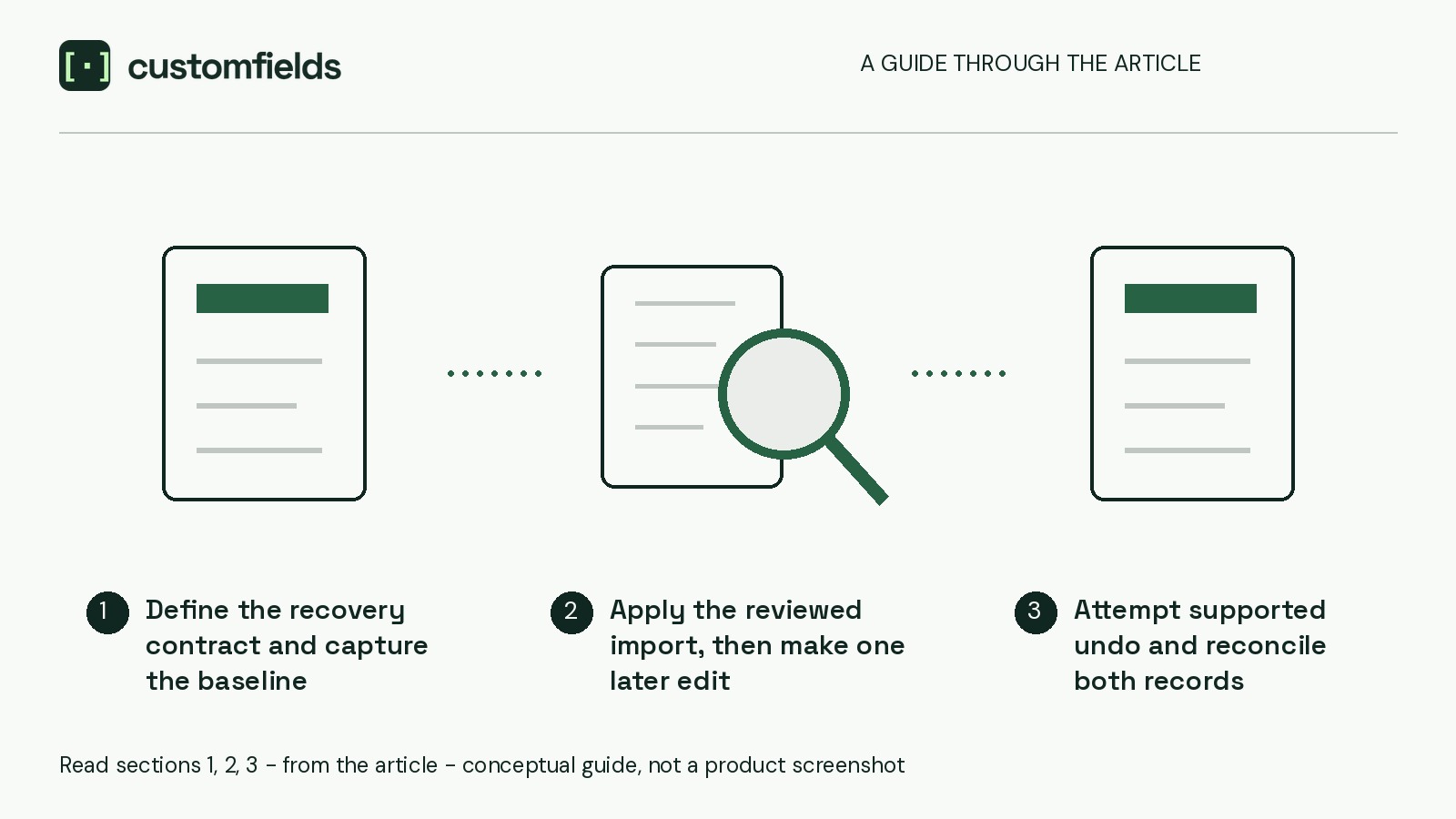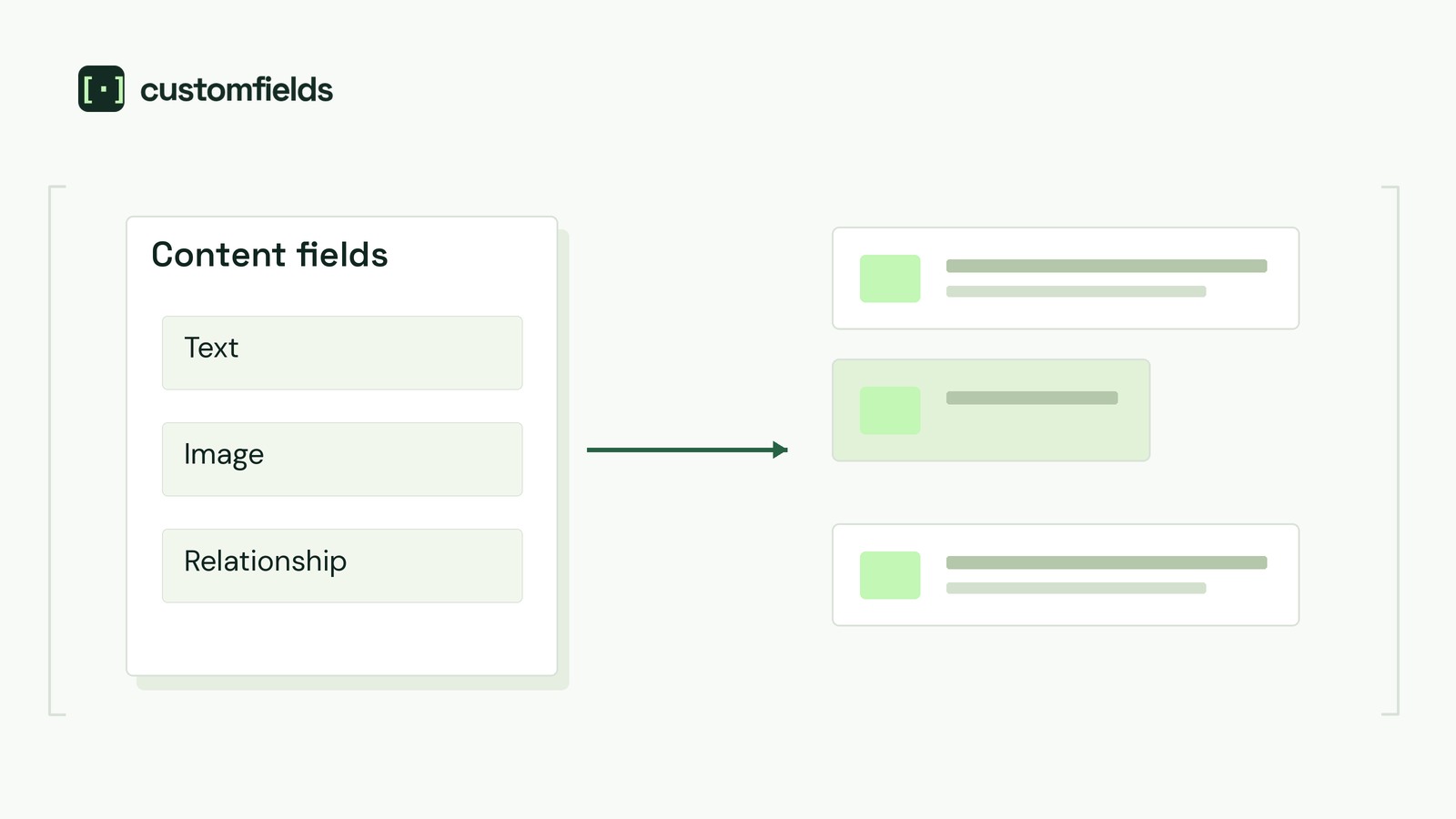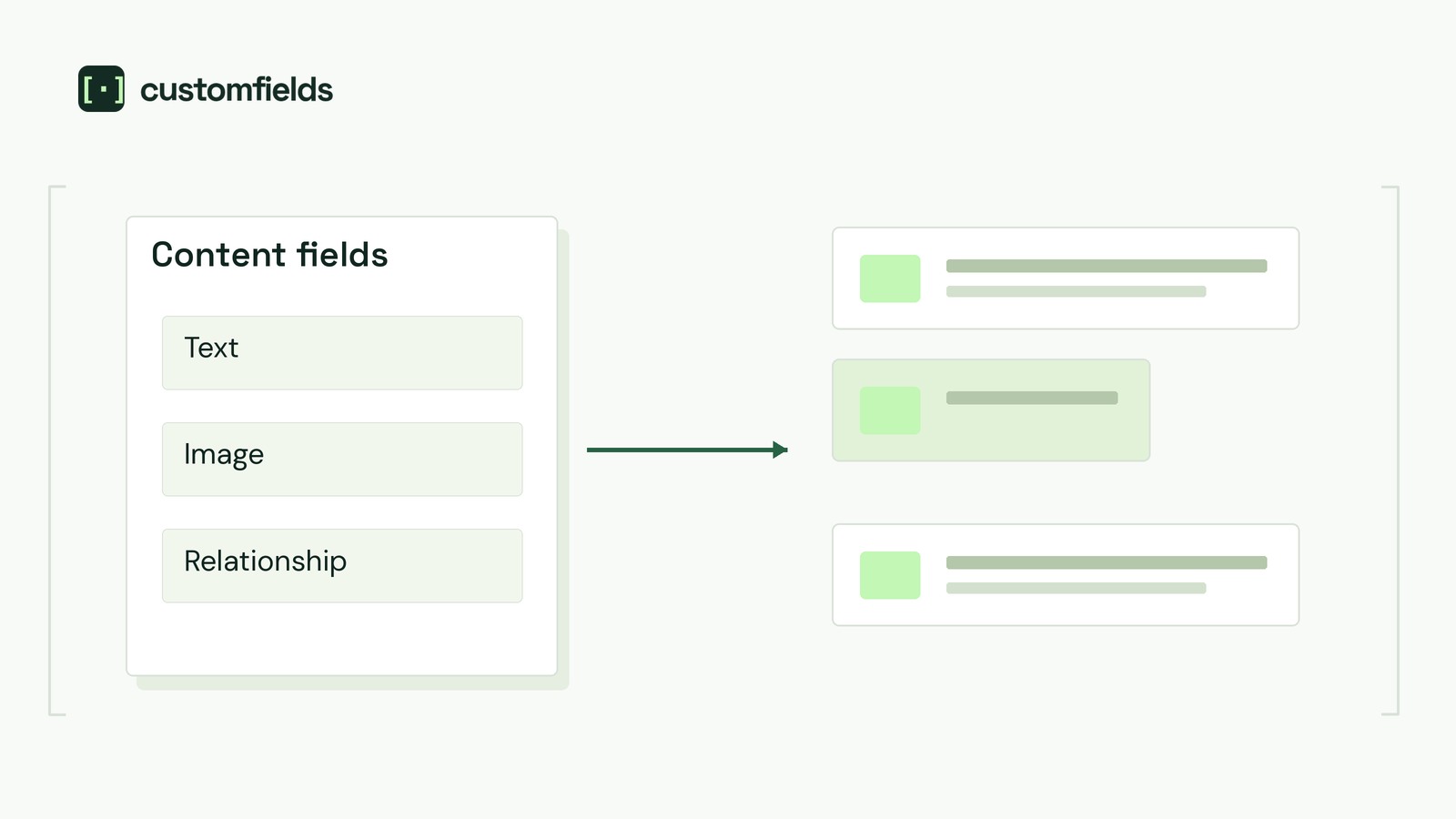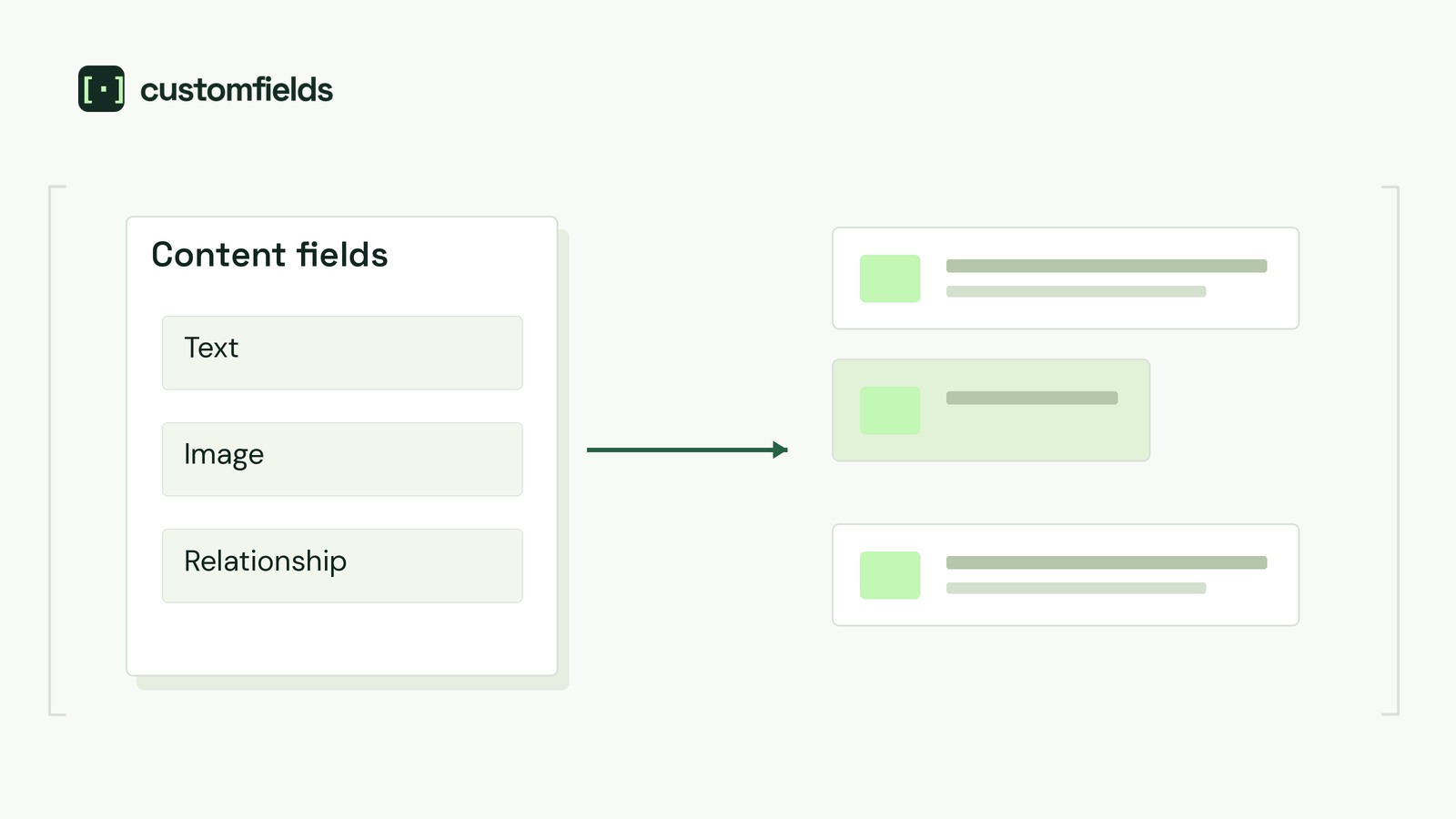
Make the selected event format—not a saved address—control public attendance details. Hiding venue controls is insufficient if templates still display their retained values.
Start with one event page and its listing card. Identify every location line, address, map and attendance link. Then specify editor visibility, validation and public output separately.
The hypothetical handoff below describes requirements a developer must implement and verify, not automatic WordPress or plugin behaviour.
Inventory the outputs before changing fields
This example uses one event record with two formats: In person and Online. Hybrid attendance needs a separate specification.
Record the source of each attendance detail:
- Event page: format label, venue, address, directions, map and attendance-information link.
- Listing card: location line and link destination.
- Manually written content: addresses, travel instructions or attendance links pasted into descriptions, excerpts or reusable blocks.
Ask the developer to identify template fallbacks, particularly those that display an address when another value is empty. Assign an editor to review manually written content; conditional controls cannot be assumed to rewrite it.
Write a field-and-output contract
The sample card links only to the event page. Accept that design or specify its attendance-link label and destination for each format before development.
Event format
- Editor: always show the format selector.
- Validation: require In person or Online for publication and updates; reject missing or unsupported choices.
- Storage: preserve the last accepted choice if an update fails.
- Event page: show the accepted format. For missing or unsupported formats, show “Attendance details unavailable” and suppress both attendance-detail groups.
- Listing card: show the venue name for In person or “Online” for Online. For invalid formats, use the same unavailable message, never a retained venue.
Title, date and time
- Editor: show in both formats.
- Validation: apply the same agreed requirements in both formats.
- Storage: changing format must not alter these values.
- Event page and card: show the accepted title, date and time.
Venue name, address, directions and map link
- Editor: show only for In person.
- Validation: require venue name and address for in-person publication and updates. Require editorial confirmation through the review route chosen below. Directions and map link are optional; venue fields are not required for Online.
- Storage: retain venue values while online, pending review before reuse.
- Event page: show reviewed venue details only for In person.
- Listing card: show only the venue name for In person; exclude addresses, directions and maps.
Public attendance-information URL
- Editor: show only for Online.
- Validation: require a valid web address for Online, but not In person. An editor must open it and confirm it explains attendance for this event.
- Storage: retain the URL while in person, but treat it as inactive.
- Event page: show the reviewed link only for Online. If missing, show “Attendance details unavailable,” never the retained venue.
- Listing card: no external attendance link; visitors follow the card to the event page.
Label the URL “Public page explaining how to attend online.” Private meeting credentials are outside this design. Hidden controls are not access controls and do not make stored values private.
Require server-side field validation on the publication and update paths the site uses. Inactive fields must neither block the active format nor substitute for missing active information.
Decide how review and rejected updates work
Select one venue-review route before implementation:
- Developer-enforced gate: require fresh confirmation whenever the event returns to In person. Later venue edits also require fresh confirmation. Test that the software blocks publication of unconfirmed changes.
- Reviewer-controlled process: name the reviewer and keep proposed edits outside the live record until approval. Record the venue check, source, date and approval before any live save, including after later venue edits. Test the hold and approval process; do not claim software prevents publication.
Require rejected updates to leave the saved event and public output unchanged. Attempted inputs may remain in the error form, but must not partially replace saved fields. This is an implementation requirement, not an assumption about the existing editor.
If unchanged public details are already misleading, use the site’s correction or withdrawal process rather than leaving known-wrong directions live.
Follow the fictional “Riverside Drawing Evening” through three states:
- Initially in person: the approved venue is “Example Hall, 12 Sample Street.”
- Online: a reviewed public attendance URL replaces venue output. Venue values remain stored but inactive.
- Proposed return to in person: the retained venue appears for review, not automatic approval. The published event remains online until the reviewed update is accepted.
Nonempty does not mean current. Check retained venue details against current information, and review any previously used online link before reactivating it too.
Record a two-way staging acceptance test
Use fictional content on staging. Record each step’s event identifier, inputs, expected result and observed result. After each accepted or rejected update, reopen the event and inspect both public surfaces while logged out. Have the developer demonstrate retained stored values independently of control visibility.
The fallback tests need developer-prepared, deliberately incomplete staging fixtures. These test defensive rendering, not records the normal publication path should accept. Keep them isolated from production.
If cached output remains, follow the site’s cache-refresh procedure and check again. Send the developer the contract, chosen review route and test record; accept the handoff only when saved values and both public surfaces match the contract through both transitions.