To evaluate CustomFields Pro CSV undo, import two already-matched staging records, edit the imported field on only one, then inspect both after a documented undo attempt. Judge recovery from saved values and conflicts, not a completion message.
Pro supplies reviewed CSV changes and approved background apply/undo, limited to its documented captured scope and conflict checks. This hypothetical experiment is a procedure to run, not a report of completed tests.
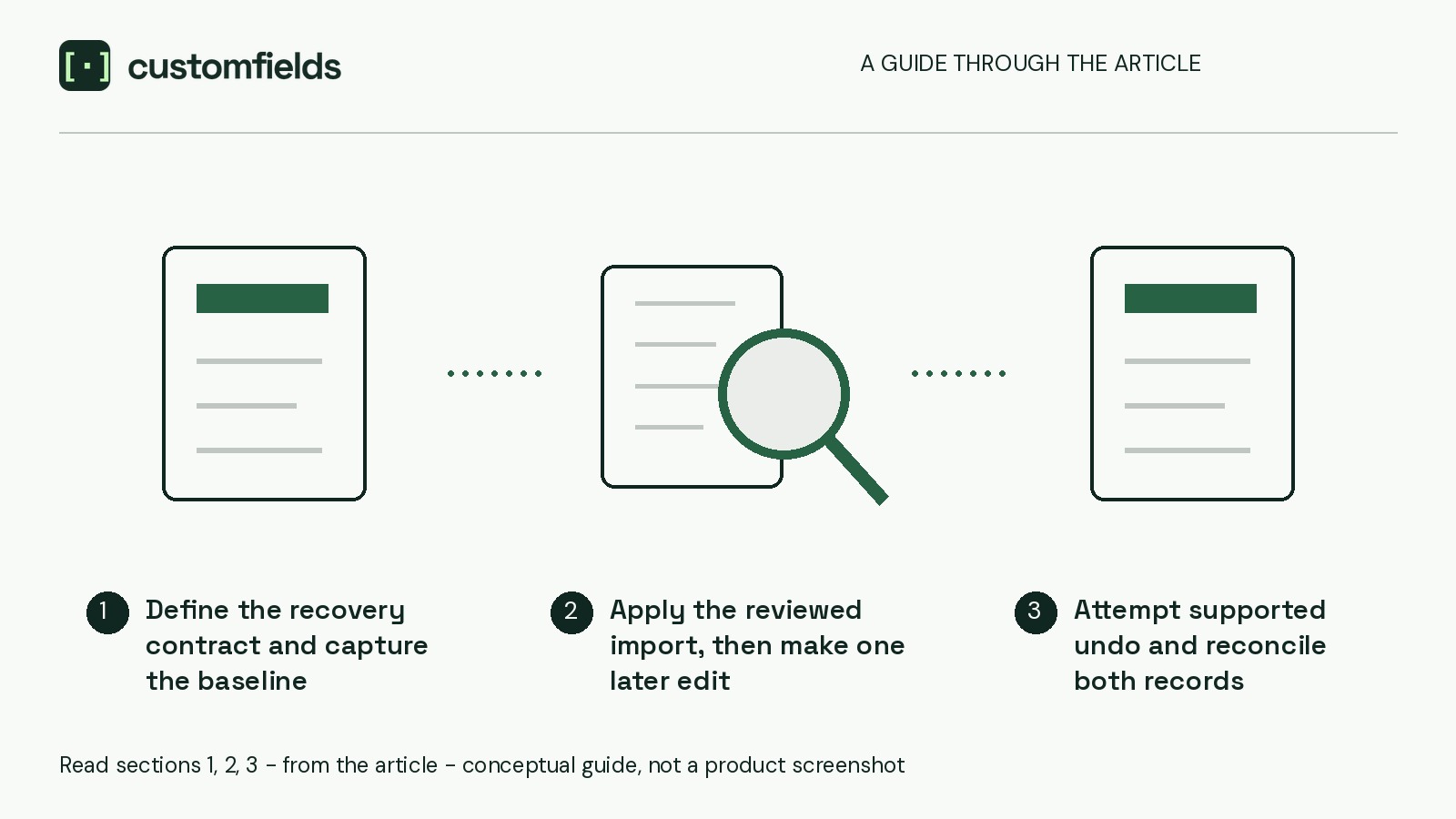
Define the recovery contract and capture the baseline
Prepare these prerequisites:
- The independently observed native-account Free 1.1.2/Pro 1.1.2 pair, with WordPress 6.5 or later and PHP 7.4 or later.
- Compatible Free kept active and successful site licence activation before new Pro work. Pro remains private beta.
- A disposable staging copy, with unrelated editing and background jobs paused. Save the fictional records below, then take an independent backup before importing.
- A named operator, approving content lead and recovery owner.
These release facts do not establish a matching current WordPress.org package or universal compatibility.
Check the workflow documentation against the installed pair. Establish the captured records and fields, undo eligibility, conflict checks, and required controls and approvals. Hold the test if scope or eligibility is unconfirmed. Do not assume an undo preview, field-level conflict isolation, partial completion or coverage of uncaptured changes.
Matching and blank-cell policy are prerequisites, not variables here. Use already-matched records and populated replacement values.
Prepare a four-row evidence worksheet
Use these hypothetical rows in a reader-maintained spreadsheet. The field labels are illustrative, not supplied plugin fields; substitute fields confirmed within the supported scope.
- A — visitor note: baseline “Contact reception before visiting.” CSV target “Reception opens at 10am.” Required final value: the baseline.
- B — visitor note: baseline “Visits by arrangement.” CSV target “Visits available on Fridays.” Required final value: the later correction, “Friday visits require confirmation.”
- A — area label: baseline and required final value “North.” Exclude this field from the CSV mapping.
- B — area label: baseline and required final value “South.” Exclude this field from the CSV mapping.
Never manually edit the area labels during the experiment. They are unchanged controls.
The required final state is A’s original note, B’s later correction and both original area labels. This is the team’s requirement, not a promised undo outcome. Ask the approving lead whether reviewed manual repair would be acceptable.
Add each record’s actual staging ID and field key. Leave observation columns marked “Not yet tested” for values after application, immediately before undo, after the undo attempt, and after any manual repair. Record operation status or conflicts separately, alongside unresolved work, its owner and the decision.
This worksheet is your evidence record, not a promised plugin report.
Apply the reviewed import, then make one later edit
1. Confirm the mapping and review
Select the reusable mapping and confirm both destination records and the supported visitor-note field. Propose only the two CSV target values in the worksheet.
Inspect the exact before/after changes. Confirm no area-label change is proposed. Before approval, reopen both records and verify that their saved values still match the baseline.
2. Approve and verify application
Approve only the reviewed update and follow its background application. Record the file, mapping, approval and available operation details.
After application finishes, reopen both records. Verify the imported notes and unchanged area labels. Stop if application differs from the approved changes: an unexpected or incomplete import is not a valid starting point for this controlled undo test.
Keep the site connected. Disconnect pauses approved Pro background work; after reactivation, resuming it requires an explicit choice.
3. Edit B and capture the pre-undo state
Manually change only B’s visitor note to “Friday visits require confirmation.” Save and reopen it. Record the editor, time and exact saved correction. Leave A untouched and do not change field definitions.
Before attempting undo, verify all four worksheet rows: A retains its imported note, B has the later correction, and both area labels retain their baselines. Enter observed values rather than copying the planned targets.
Attempt supported undo and reconcile both records
Recheck documented undo eligibility. If eligible, have the operator follow the documented controls and approvals. If unavailable or blocked, record that outcome. Stop rather than bypass a conflict, including by deleting B’s later correction merely to make undo proceed.
Once the attempt finishes or stops, inspect both records. Capture the saved notes, area labels and any status or conflict message. Where these fields appear publicly, inspect their output too; page appearance alone does not establish saved values.
Keep value state separate from operation status:
- Baseline restored: a visitor note observed returning from a changed value to its baseline after the attempt.
- Imported value retained: the approved CSV value remains.
- Later edit retained: B’s subsequent correction remains.
- Unexpected value: the saved result matches none of the recorded states.
For an area label that never changed, use baseline retained, not “restored.” Equality with its original value does not demonstrate restoration.
“Blocked” describes the operation, not a saved value. If B reports a conflict, inspect A: did it return to baseline or retain its imported note? Use the saved values and operation details to assess whether the conflict prevented broader recovery. Mark that relationship unresolved if unclear; do not assume conflict isolation or partial completion.
If B loses its later correction, record the outstanding repair. Returning B to baseline would not satisfy the approved editorial end state.
Preserve the post-undo observations before making repairs. The recovery owner should obtain approval for each correction, then reopen the records and enter the verified final values in a separate column. Manual repair does not count as successful automatic undo.
Undo is neither a full-site backup nor proof of factual accuracy. Before restoring an independent backup, specify how later work would be preserved or reapplied.
For occasional corrections, a written change log and reviewed WordPress-admin edits may suffice. Free supplies admin editing, but its local CSV comparison is read-only and cannot perform this apply/undo experiment.
Choose go for the tested scope only when behavior is understood and an acceptable recovery path is demonstrated, including any permitted manual work. Otherwise, record hold.
Send the completed evidence sheet to the approving content lead for that bounded decision before adopting the recurring import workflow.